Using fast-forward
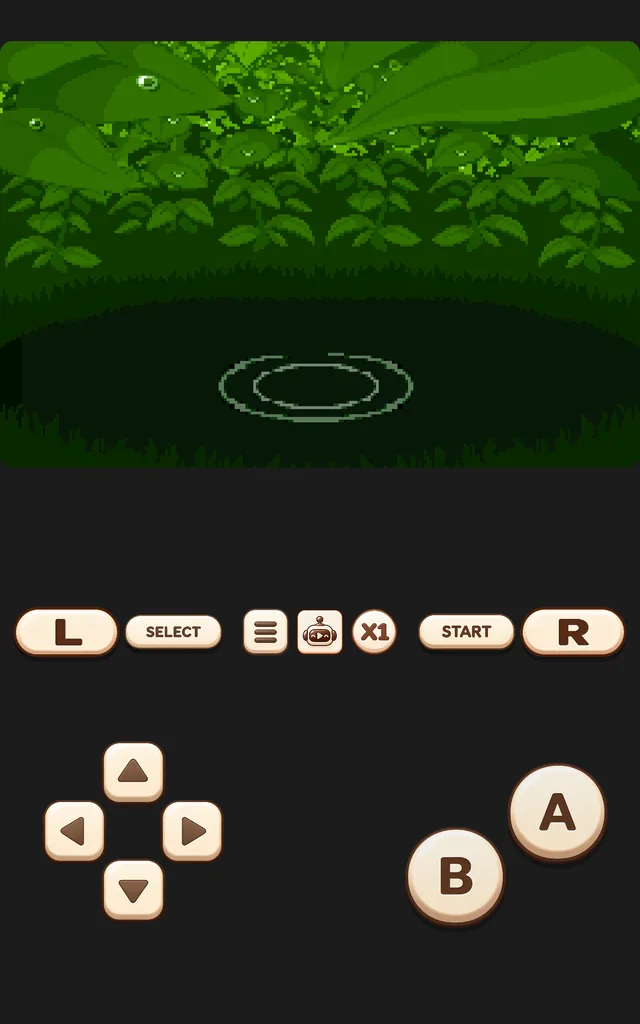
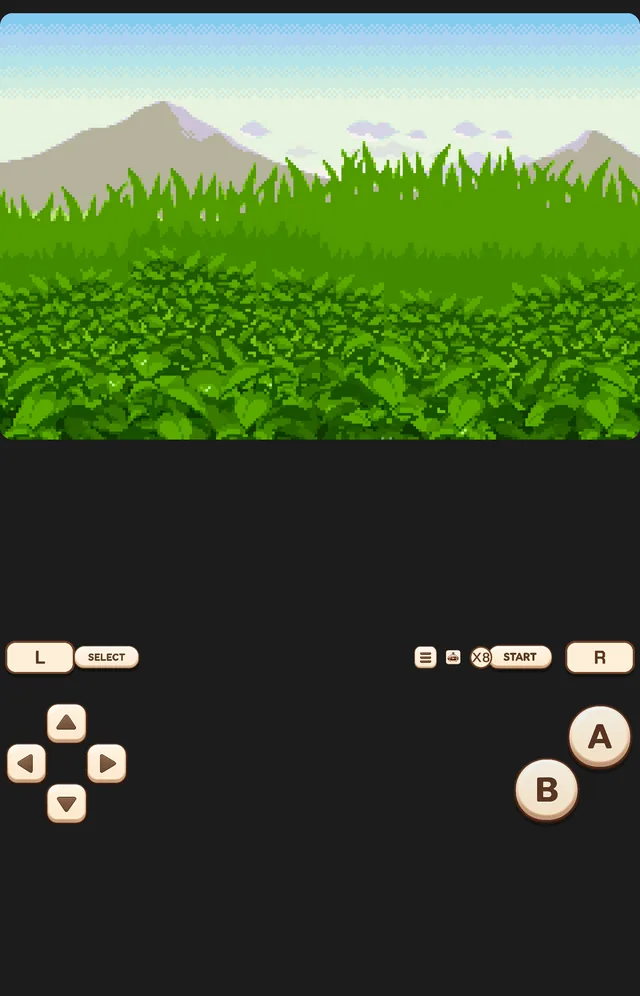
- Tap the speed button (X1) in the control row. Each tap steps up one speed; after your maximum it returns to 1×.
Retrofun keeps the picture smooth at high speed by skipping frames you couldn't see anyway, so even 8× stays responsive on mid-range phones.
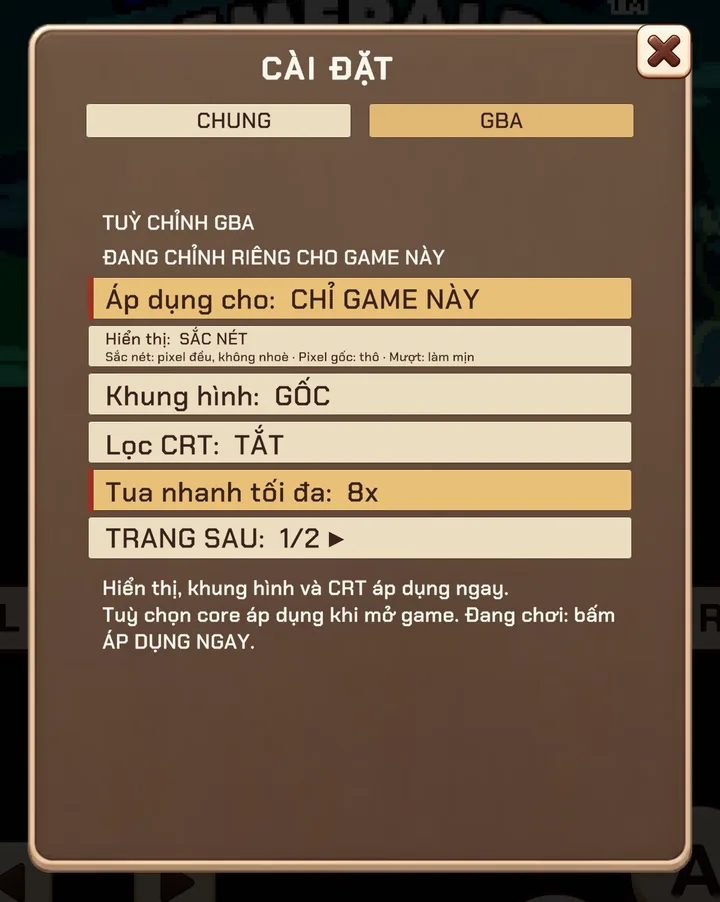
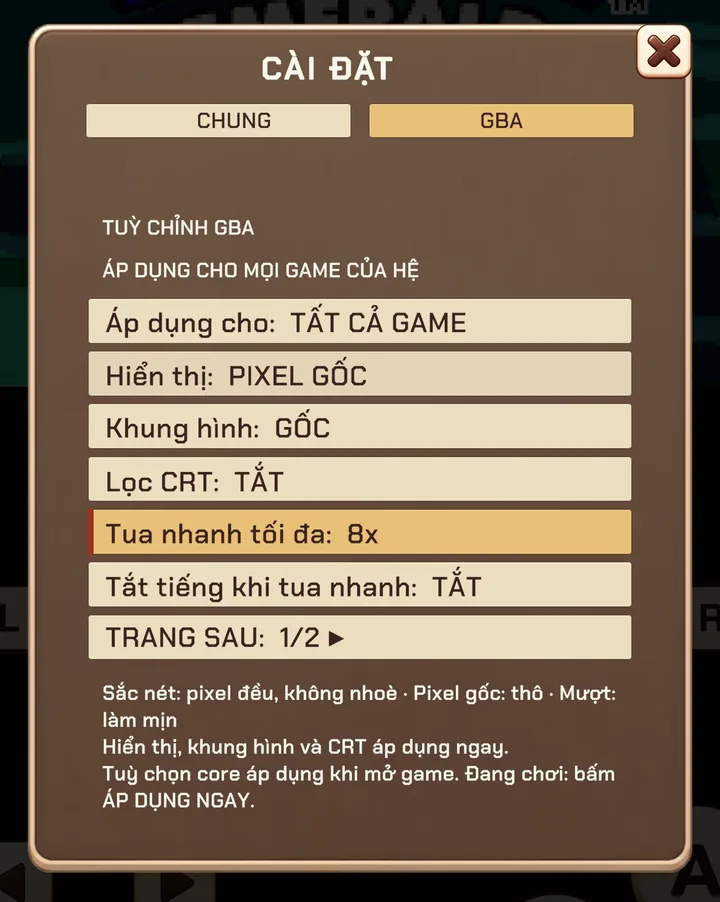
Set the maximum speed
8× is great for Pokémon walks but too fast for most action games. You can set the maximum separately for every system — or even for a single game.
- Open the in-game menu ☰ and switch to the system tab (for example GBA).
- Find MAX FAST-FORWARD and choose 2× to 8×.
- Turn on MUTE WHILE FAST-FORWARDING if the sped-up audio bothers you.
Rewind
Missed a jump? Picked the wrong dialogue option? Rewind keeps a rolling history of the last moments of play — up to 200 snapshots — so you can step back and try again without loading a save.
- Rewind memory is capped (48 MB) so it never slows down the game.
- It works best on 8-bit, 16-bit and GBA games; on PSP and 3DS the history is shorter because each snapshot is larger.
Fast-forward and rewind are disabled during LAN multiplayer so every player stays in sync.
Screenshots were taken on a Xiaomi Pad 5 with the Vietnamese interface; button positions are the same in every language.