
Guides
Get the most out of Retrofun
Step-by-step guides with real screenshots from the app — from adding your first game to hosting a four-player LAN night.
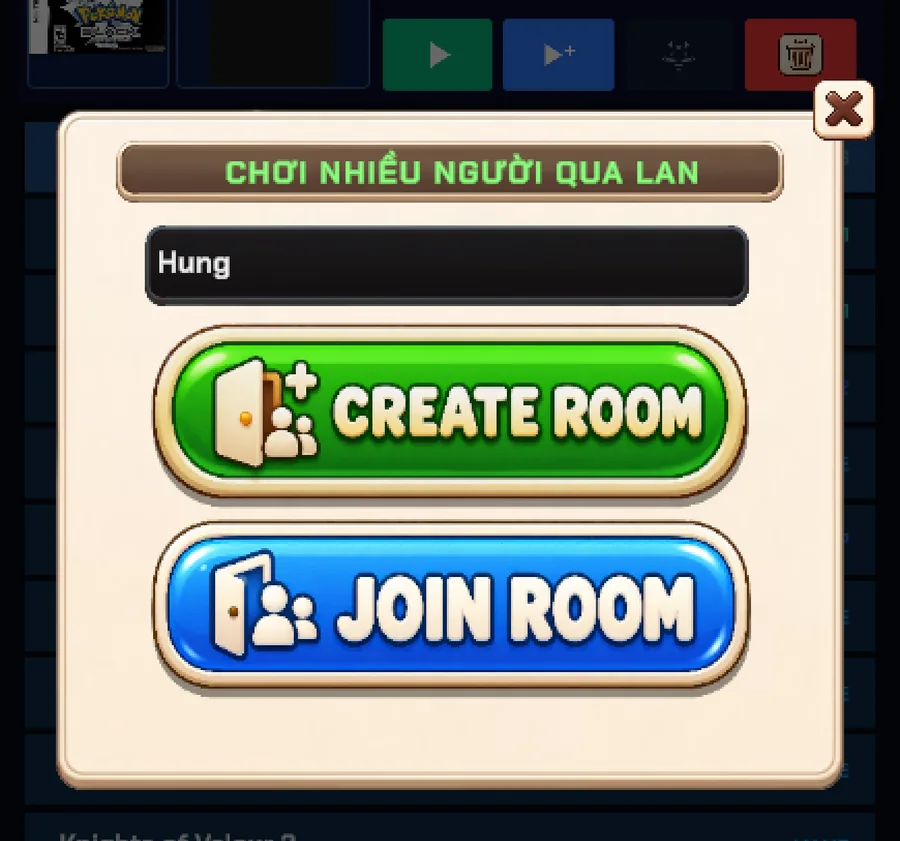 MULTIPLAYER
Play with friends over LAN
Create a room, invite friends on the same Wi-Fi, and play together with rollback netcode, room codes and spectators.
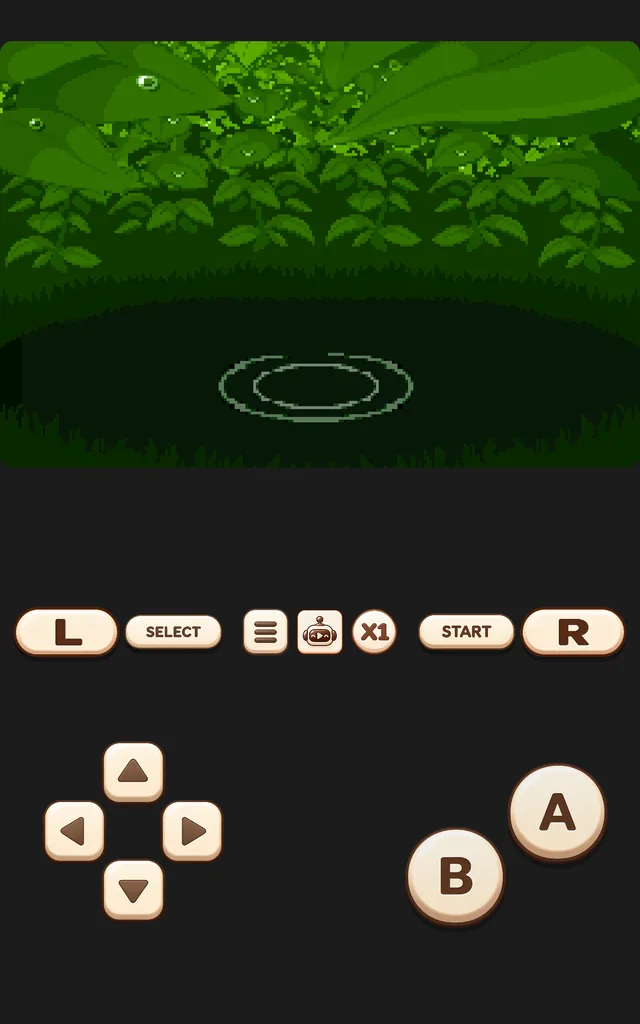 POKÉMON
Pokémon Auto-Grind & cheats
Let Retrofun walk the grass, win battles and watch for Shinies — then add cheats from 2,269 built-in codes.
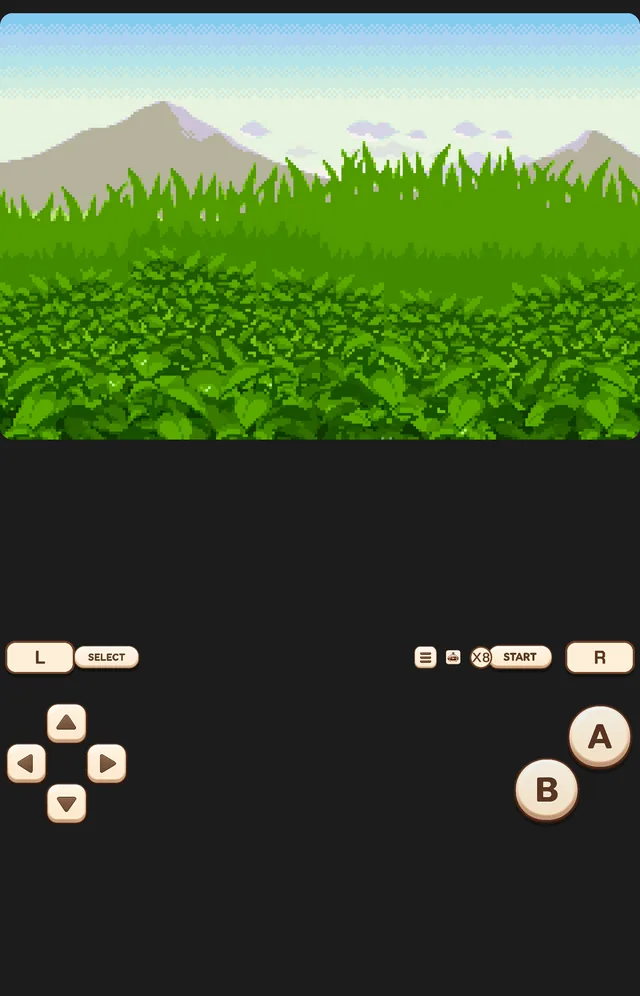 GAMEPLAY
Fast-forward up to 8× and rewind
Skip slow intros and grinding at up to 8× speed, set a limit per system, and rewind after a mistake.
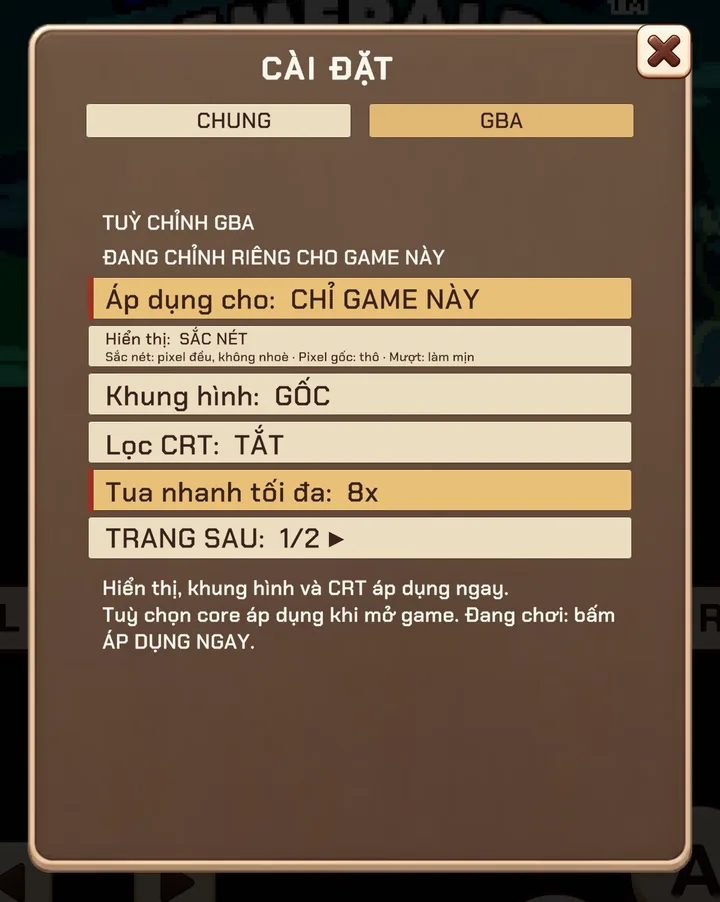 SETTINGS
Settings per system and per game
Tune each console — or a single game — with its own display, speed, core options and arcade DIP switches.
 ACCOUNT
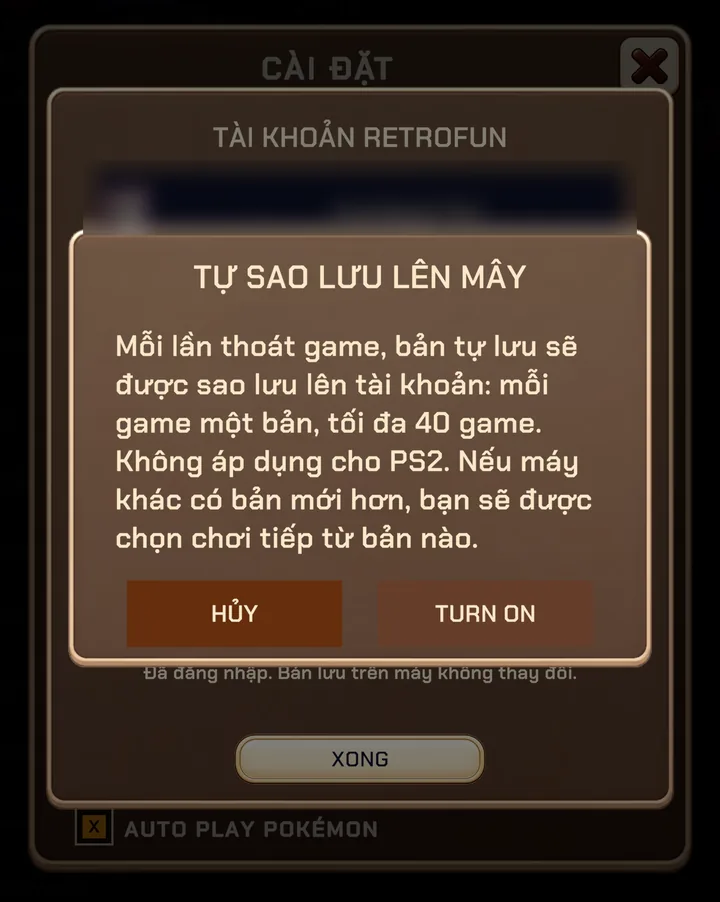
Cloud saves and automatic backup
Sign in with Google to back up every game automatically and keep Remove Ads on all your devices.
 LIBRARY
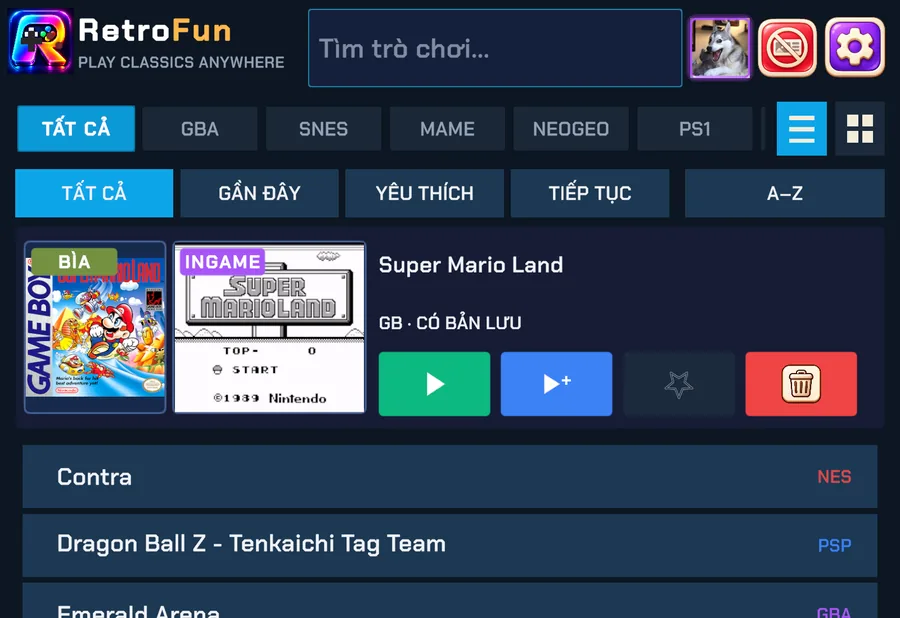
Add games and organise your library
Import files, folders, ZIP and 7Z archives in one go — Retrofun sorts them by console and fetches box art.
 CONTROLS
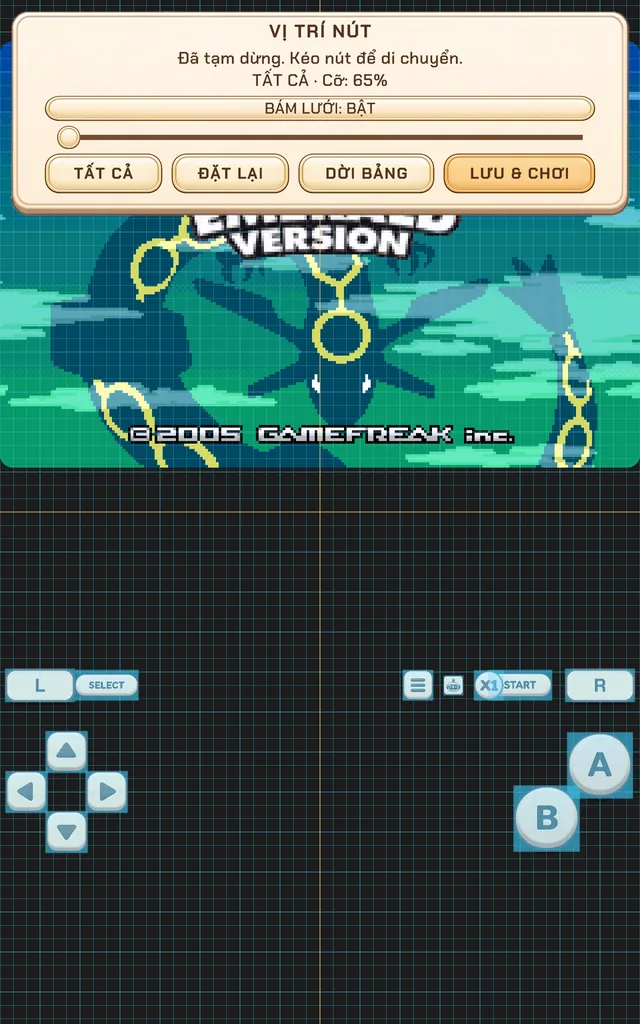
Touch controls and gamepads
Move, resize and fade every on-screen button — or plug in any Bluetooth or USB controller.
 DISPLAY
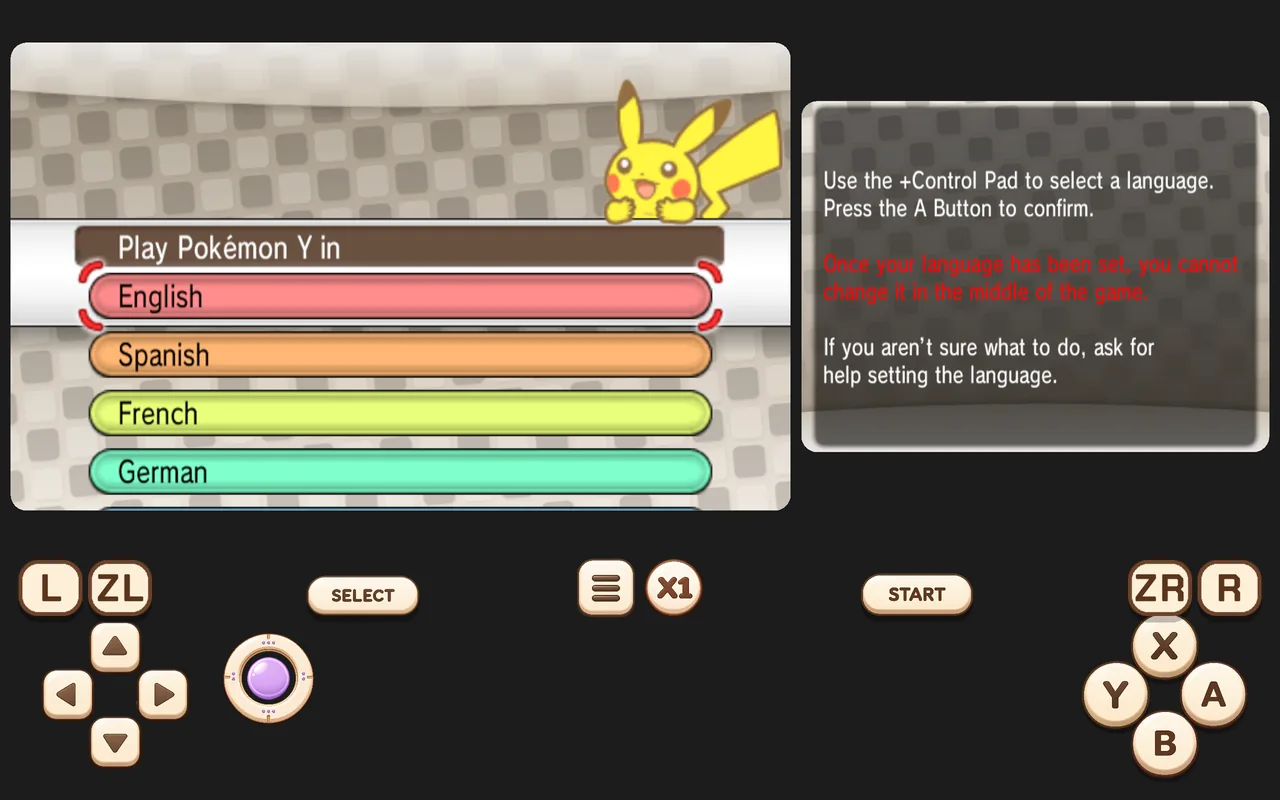
Display, filters and orientation
Choose sharp pixels, smooth scaling or a CRT look, play in portrait or landscape, and use 120 Hz screens.
 SYSTEMS
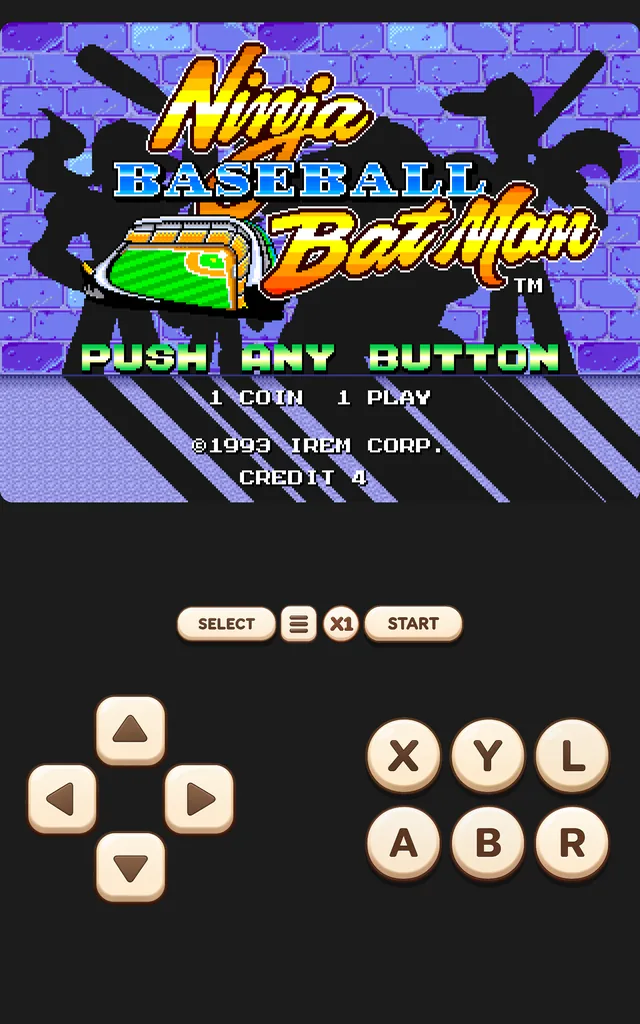
A tour of the 12 systems
What each console needs, which extras Retrofun adds, and how demanding each one is.
 PS2 · EXPERIMENTAL
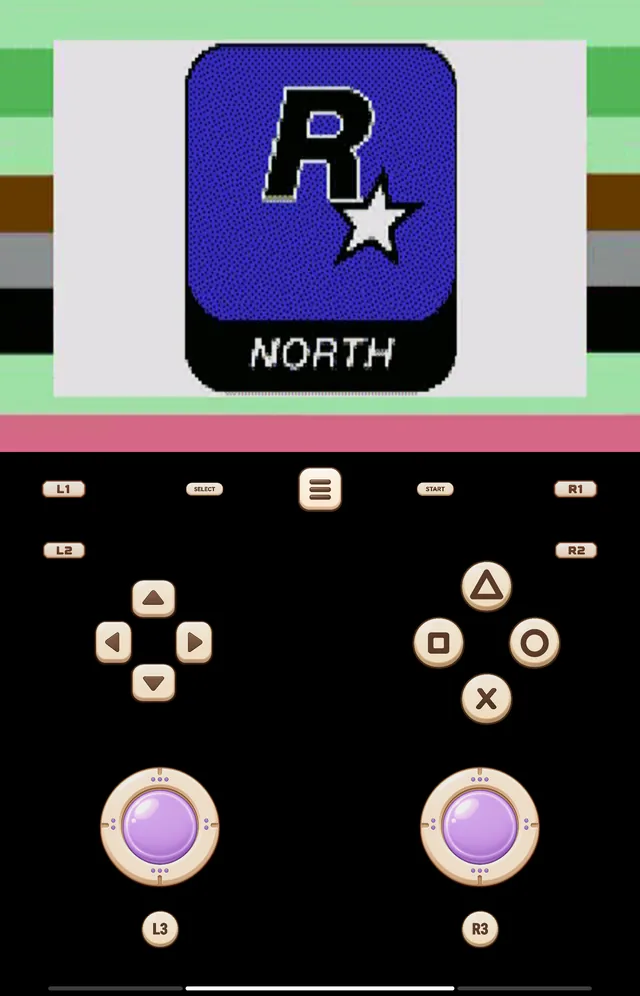
Playing PS2 games
PS2 now runs inside Retrofun. What you need, how the menu works and how to get the best performance.