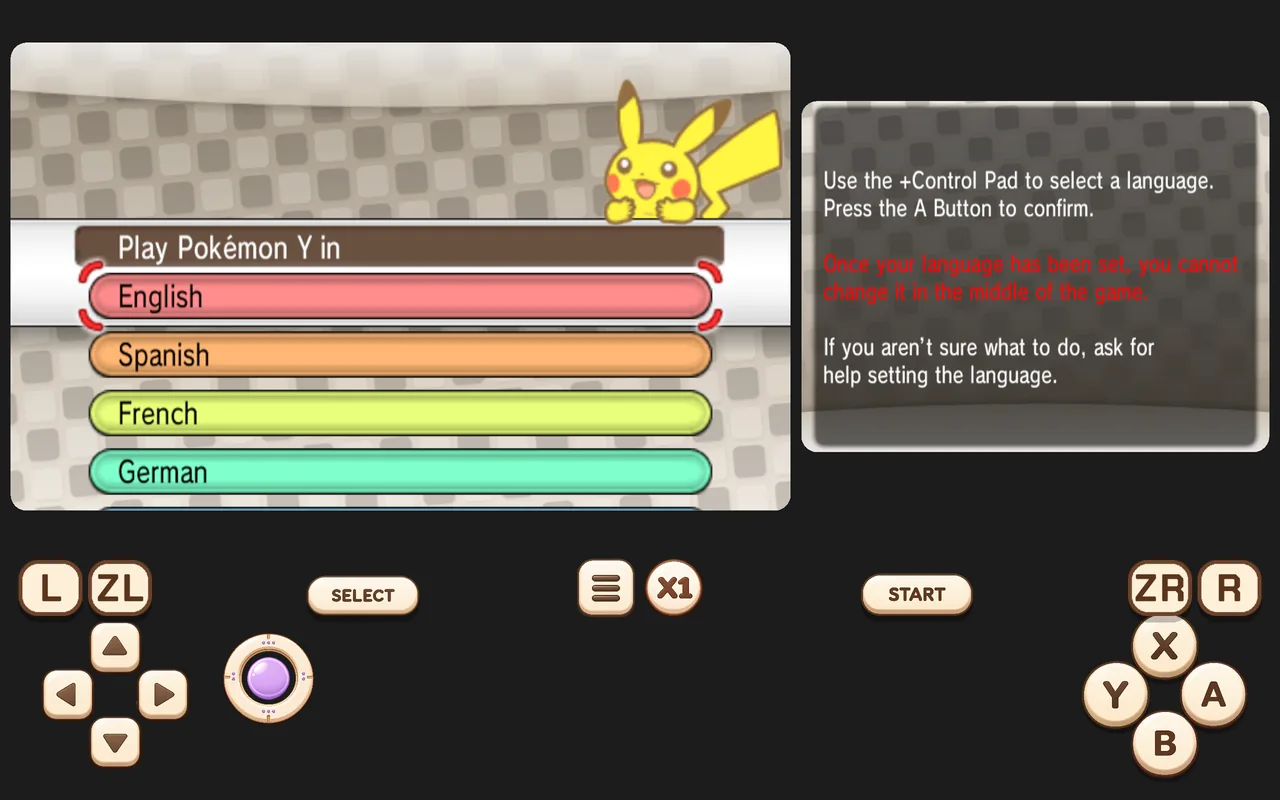
Picture style
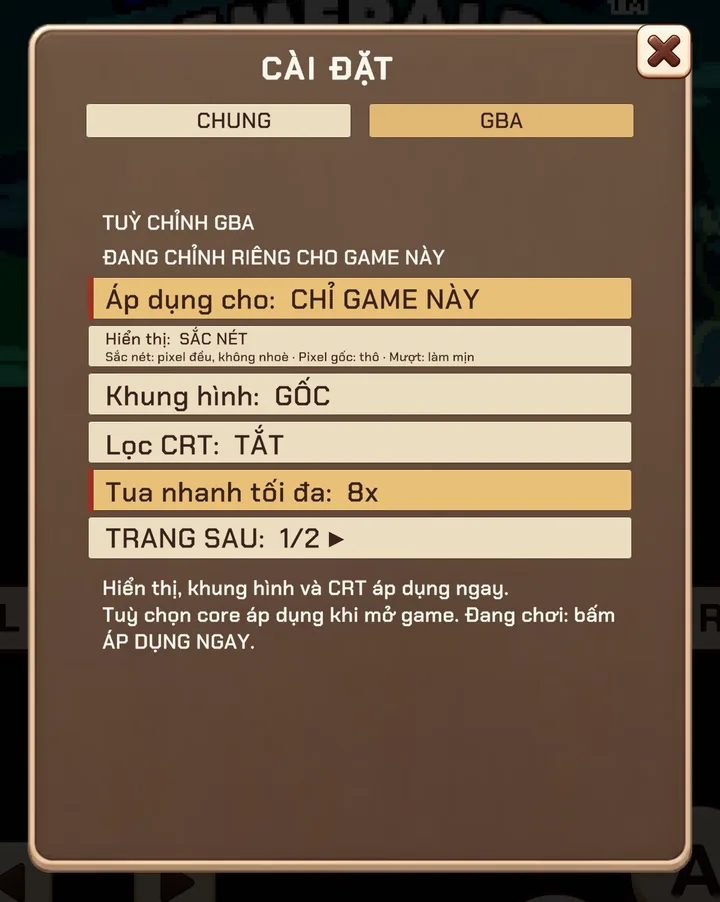
In each system tab, DISPLAY offers three looks:
- Sharp (recommended) — sharp-bilinear scaling. Pixels stay crisp and even at any screen size, without the shimmering of plain nearest-neighbour.
- Original pixels — exact pixel copies. Perfectly crisp, but some pixels may look slightly wider than others on odd screen sizes.
- Smooth — soft filtering for a painterly look.
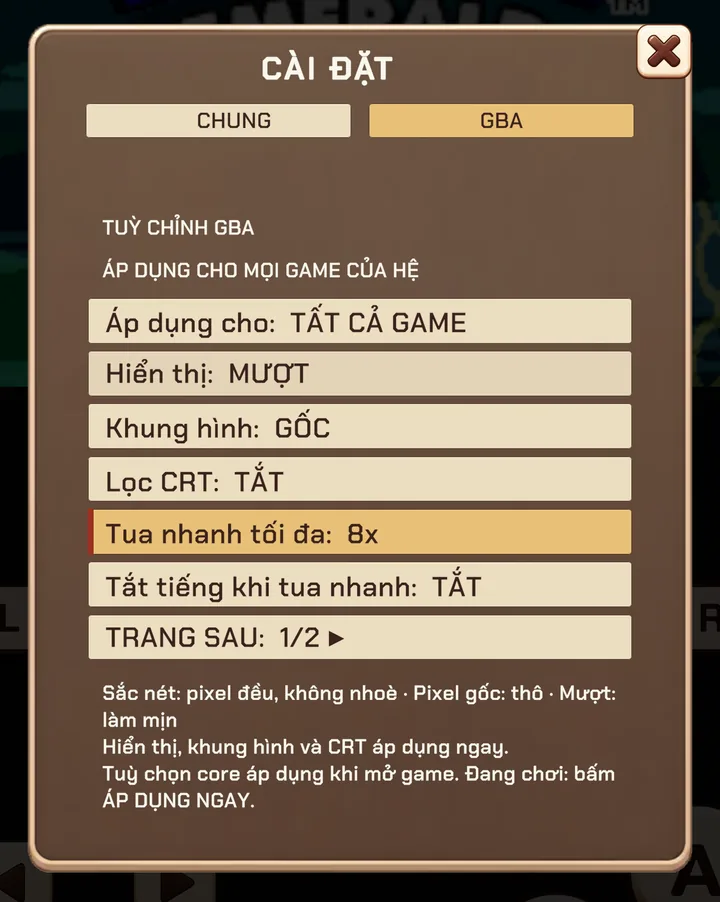
CRT filter and aspect ratio
Turn on CRT FILTER for scanlines and a subtle phosphor glow. FRAME keeps the original aspect ratio by default; with a gamepad connected the game fills the screen at its authentic shape.
Portrait or landscape
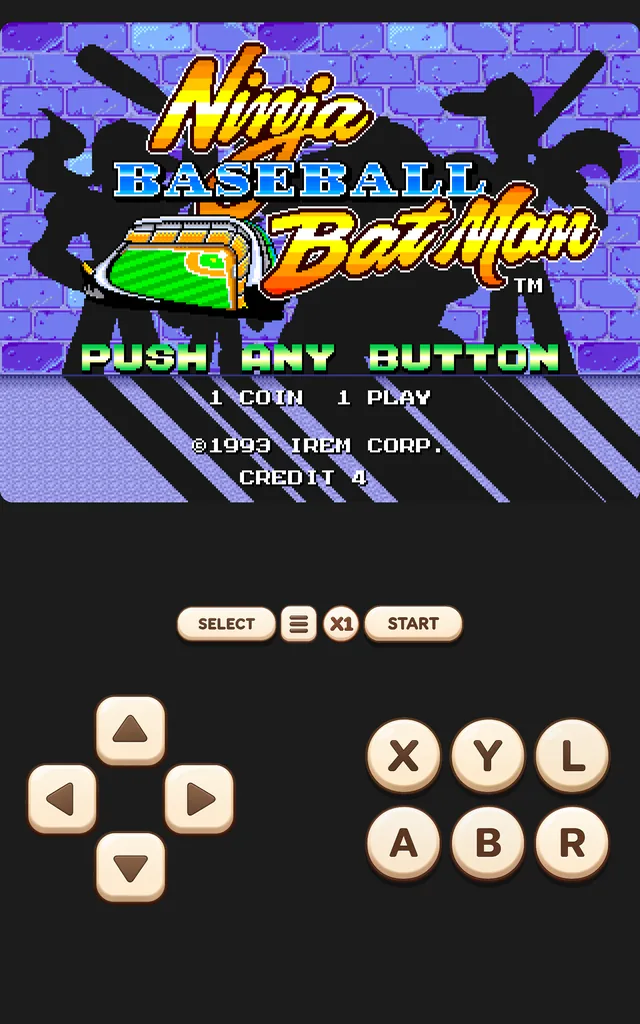
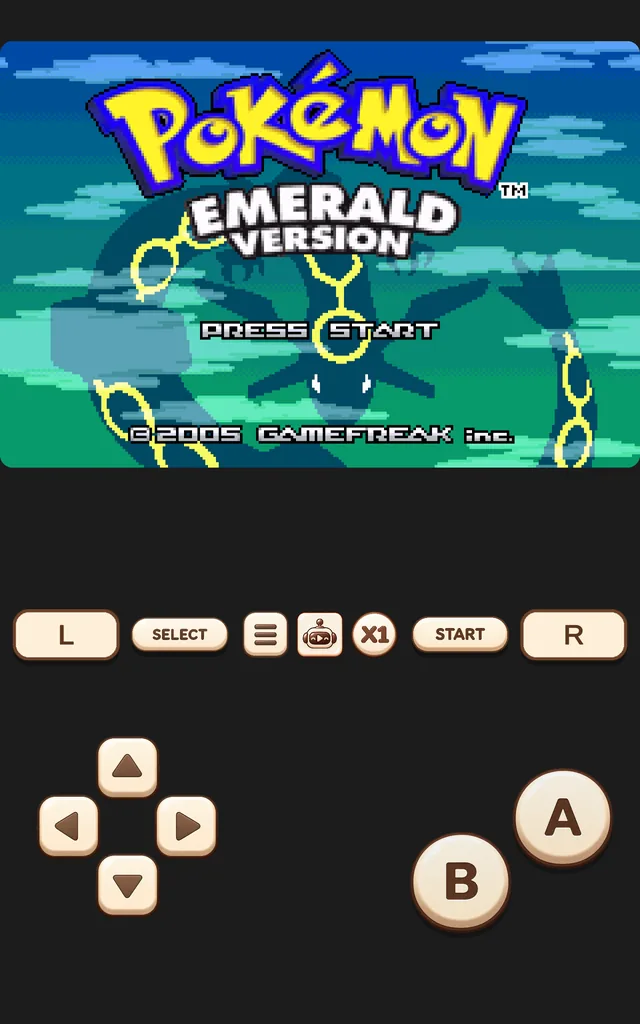
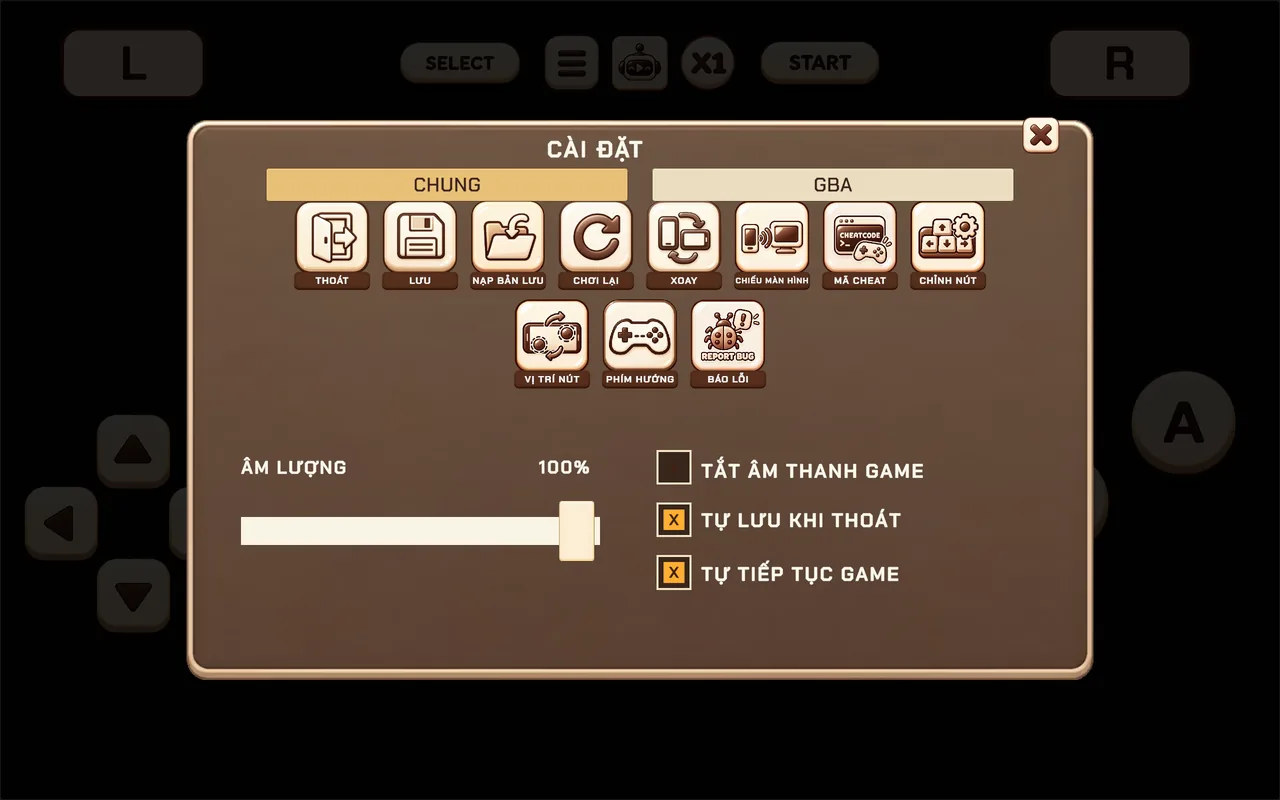
Rotate your device, or use ROTATE in the in-game menu. Portrait is great for one-handed RPGs and handheld games; landscape gives fast arcade games more room.
60 and 120 Hz
On devices with a high-refresh screen, Retrofun switches the display to a mode that matches the game (usually 60 Hz, or 120 Hz where it divides evenly). That means smooth scrolling without judder.
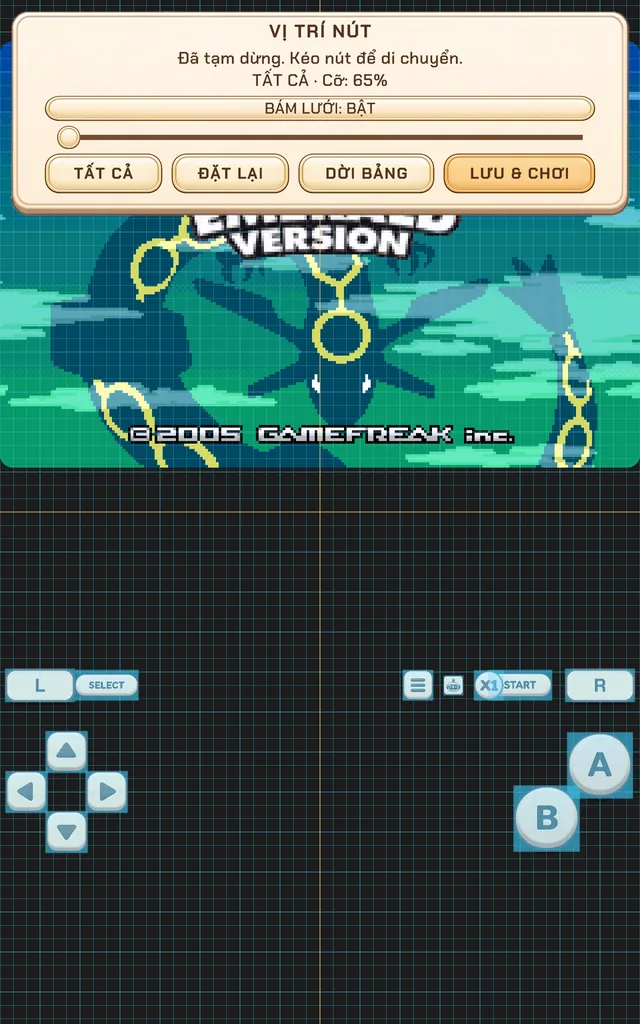
Screenshots were taken on a Xiaomi Pad 5 with the Vietnamese interface; button positions are the same in every language.