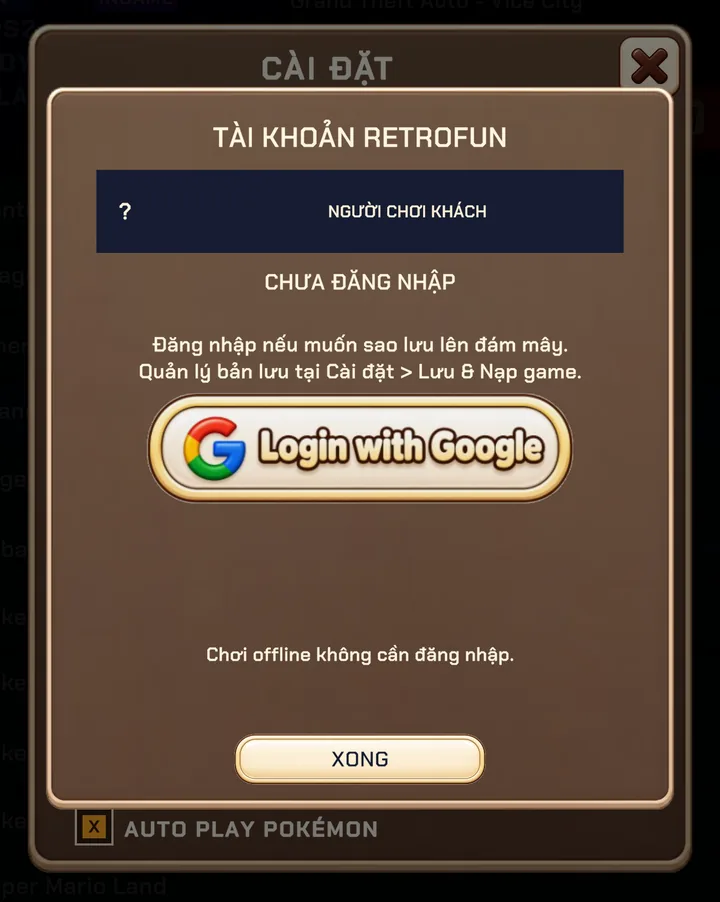
Sign in
- Open SETTINGS → ACCOUNT.
- Tap Login with Google and choose your Google account.
- That's it — your account panel now shows your name and backup status.
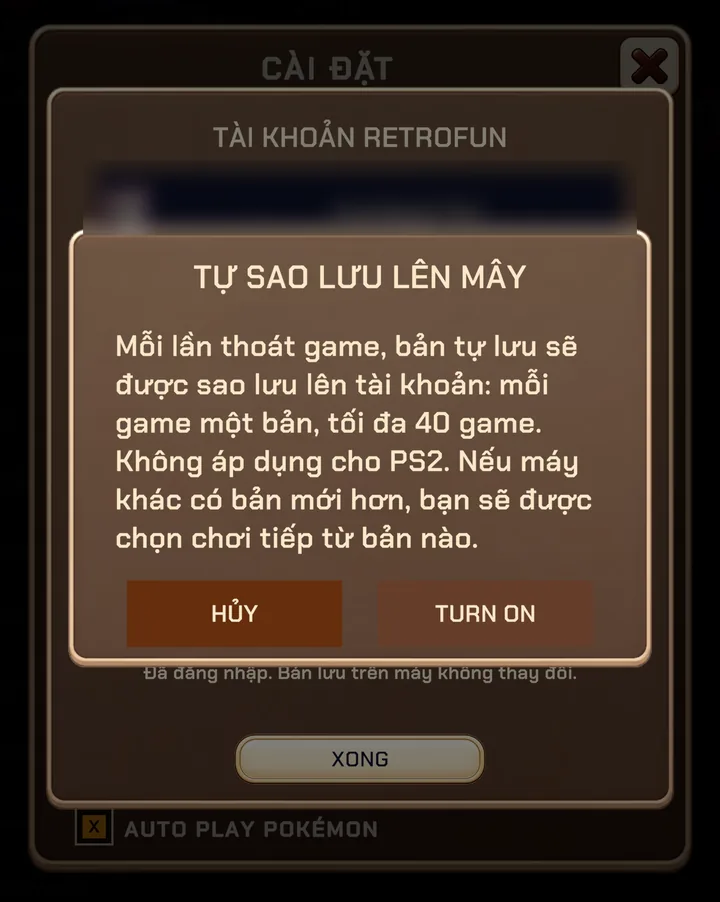
Automatic backup
With automatic backup on, Retrofun uploads one rolling backup per game whenever you exit it:
- Up to 40 games are kept; when you go over, the oldest backup is replaced.
- Backups are matched by system and game file name, so they follow you to a new phone or tablet.
- If another device has a newer backup, Retrofun asks which copy you want to continue from.
- Manual cloud save slots are still there for saves you want to keep forever.
Automatic backup doesn't cover PS2 yet — PS2 saves stay on the device.
Remove Ads follows you
Buy Remove Ads once and it is linked to your account after Google Play verifies the purchase. Sign in on another device with the same account and ads are gone there too. Restoring is automatic.
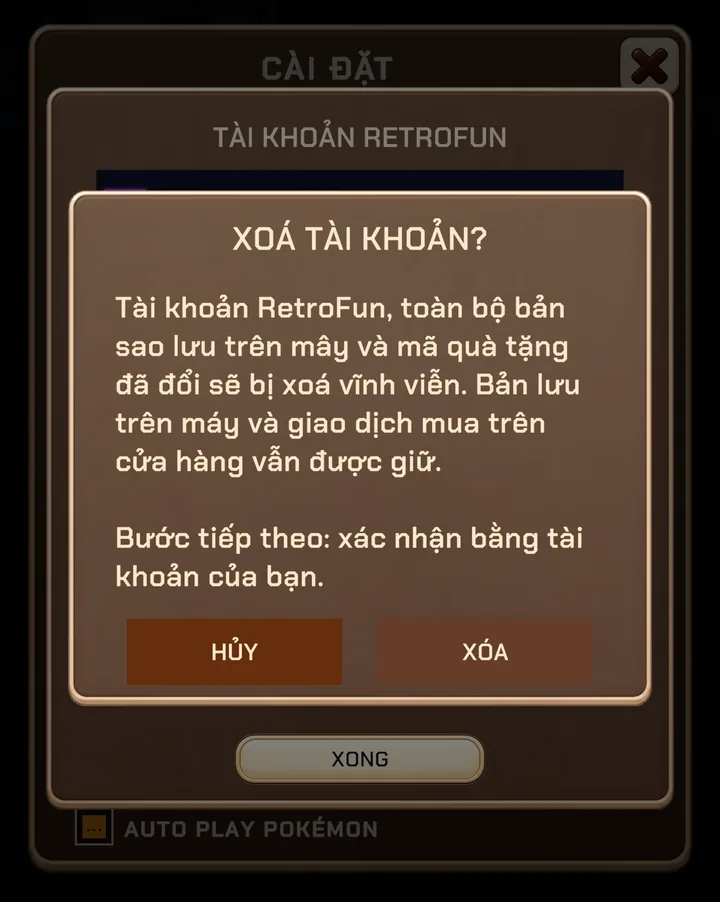
Deleting your account
You can delete your account at any time from SETTINGS → ACCOUNT → DELETE ACCOUNT. You'll be asked to confirm with your Google account, then the account, cloud saves, backups and redeemed codes are erased immediately. Saves on your device and your store purchase are kept.
No longer have the app? Follow the steps on retrofun.net/delete-account.
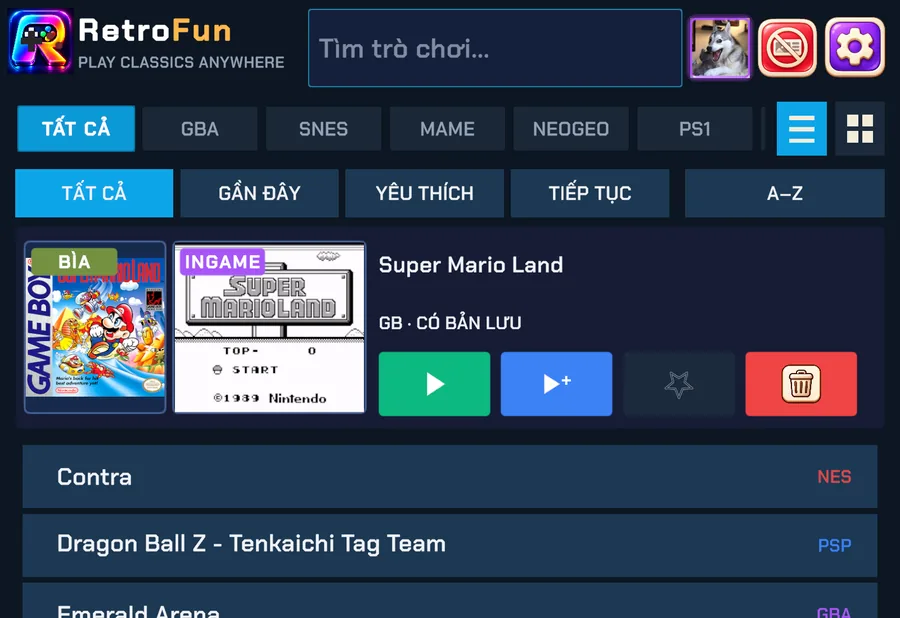
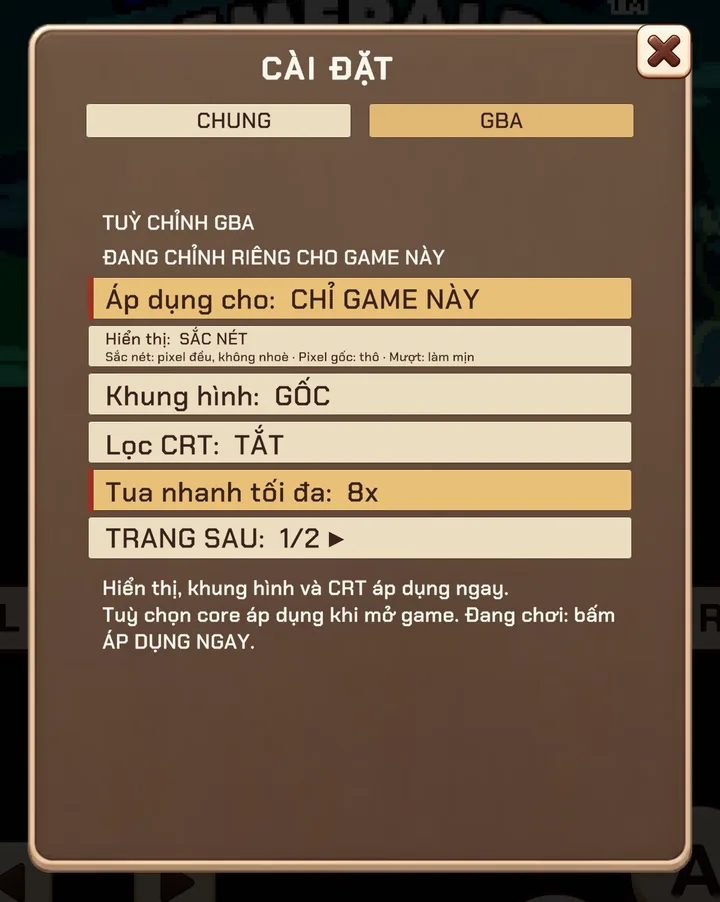
Screenshots were taken on a Xiaomi Pad 5 with the Vietnamese interface; button positions are the same in every language.