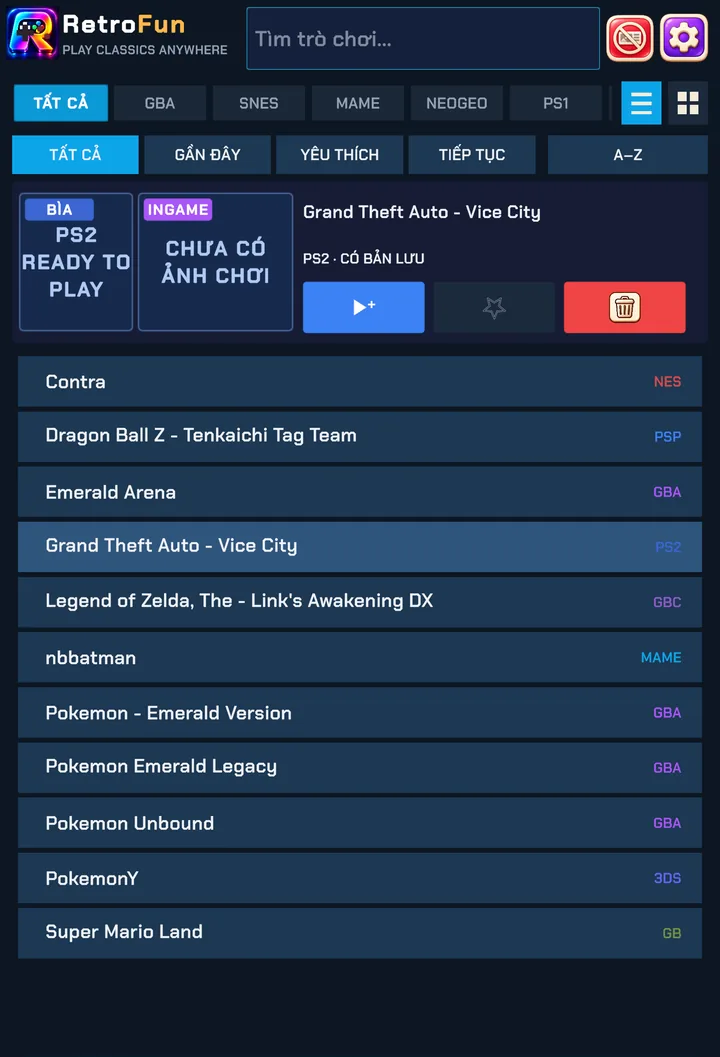
Add games
- Tap ADD ROM at the bottom of the library.
- Choose CHOOSE FILE to pick one or more files, or CHOOSE FOLDER to import a whole folder. Tick INCLUDE SUBFOLDERS to scan everything inside it.
- Retrofun copies the games in and shows a summary when it's done.
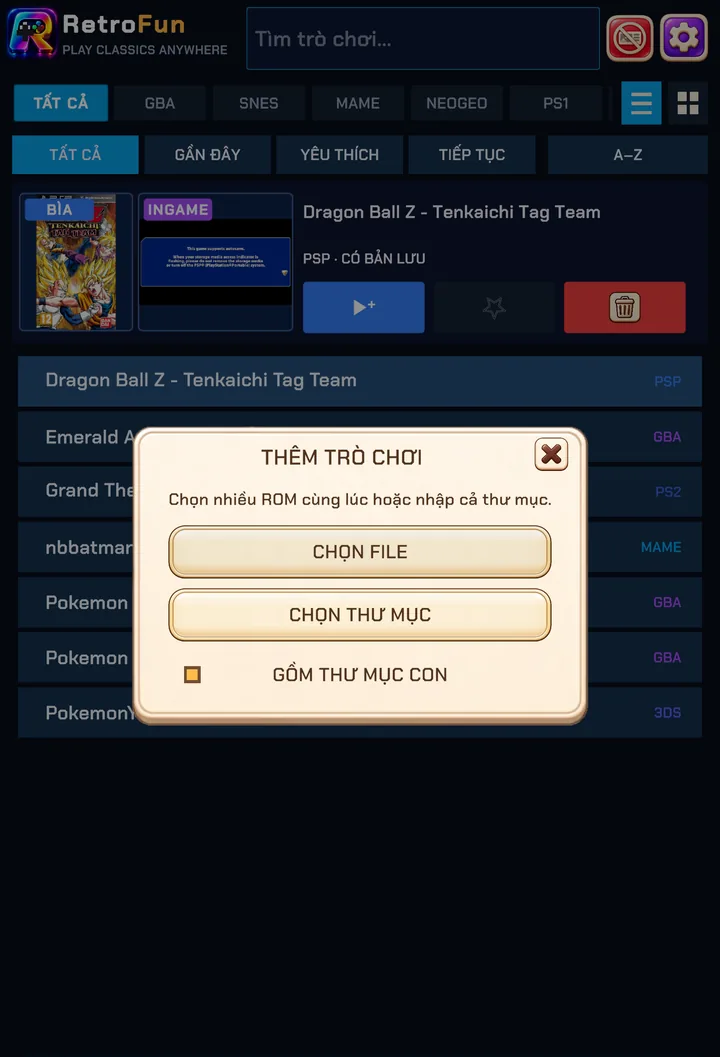
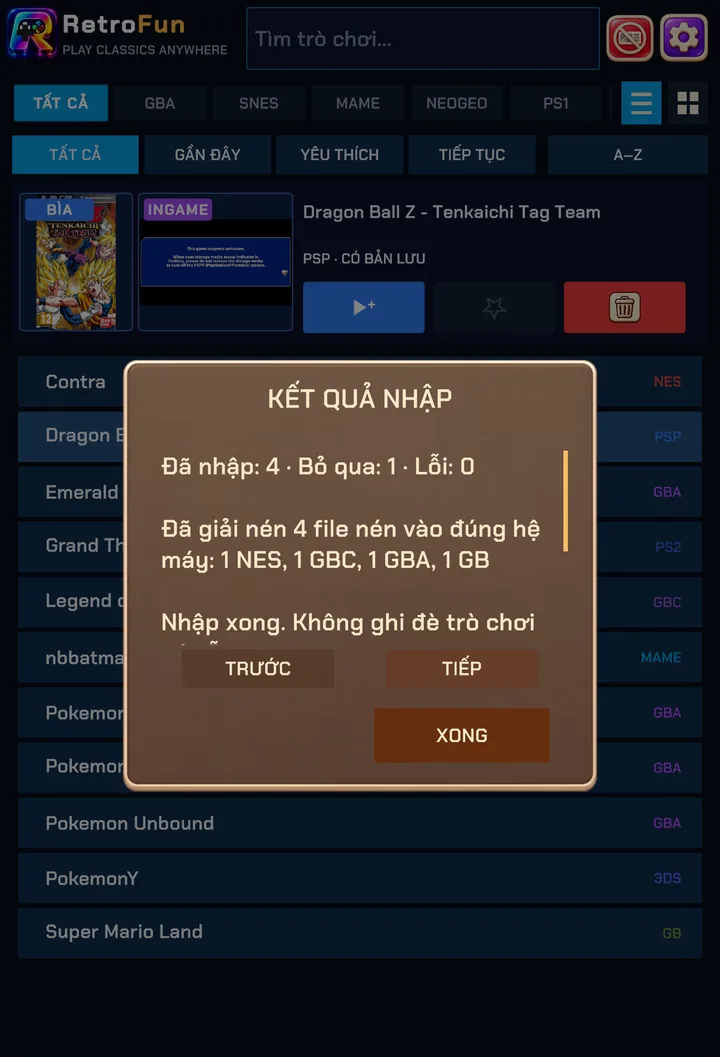
Games already in your library are never overwritten — duplicates are skipped.
Supported files
| Type | What Retrofun does |
|---|---|
| .nes .sfc .smc .gb .gbc .gba .nds .3ds | Detected by extension and filed under the right console. |
| .zip / .7z (console games) | Unpacked automatically and sorted into the matching console. The archive is removed afterwards to save space. |
| .zip (arcade romsets) | Kept zipped, exactly as MAME and Neo Geo expect. |
| .cue/.bin .chd .pbp | PS1 discs; multi-track BIN files are hidden so each game shows once. |
| .iso .cso | PSP and PS2 discs, identified by reading the disc header. |
Retrofun doesn't include any games or BIOS files. Use backups of games you own.
Box art and previews
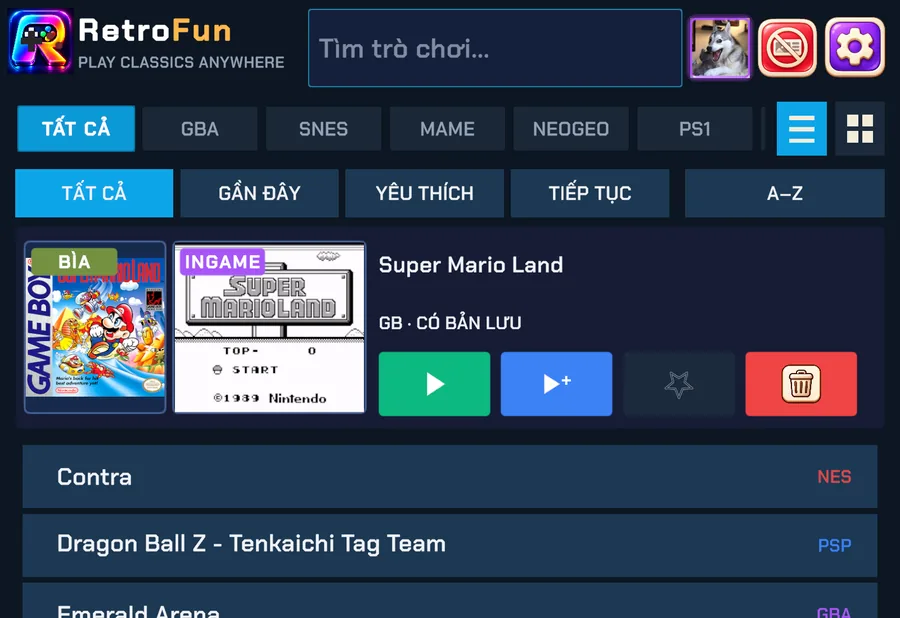
Each game gets two pictures: its original box art, found automatically by title (with Japan and World region fallbacks), and an in-game capture taken when you last played. Games already in your library get box art in the background.
Finding games fast
- System filters (All, GBA, SNES, MAME, Neo Geo, PS1…) along the top.
- Quick tabs: Recent, Favourites, Continue (games with an auto-save) and A–Z.
- Search at the top matches any part of the title.
- Switch between list and grid view with the icons on the right.
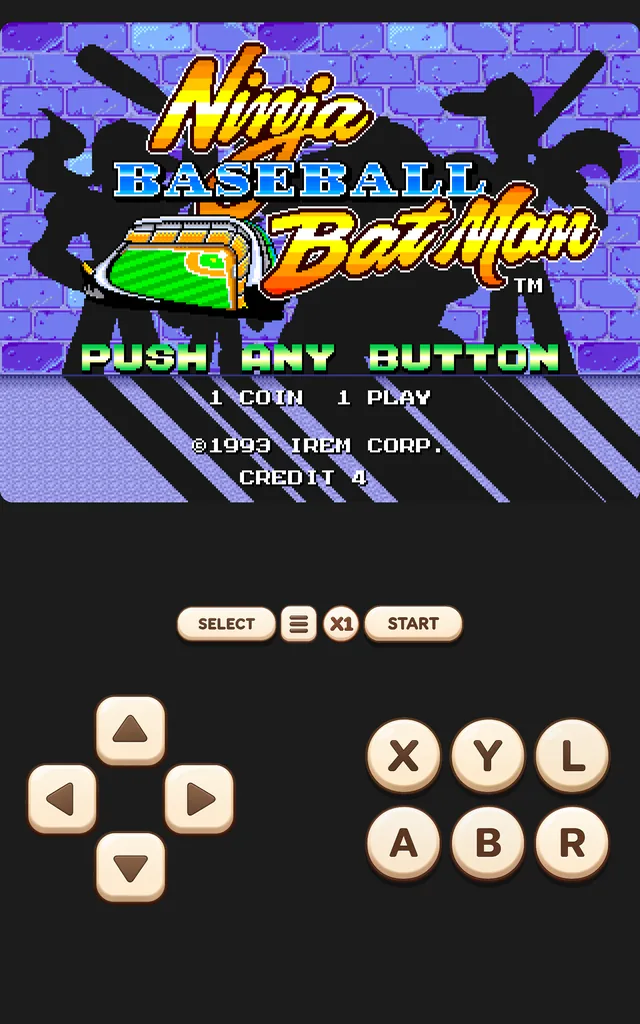
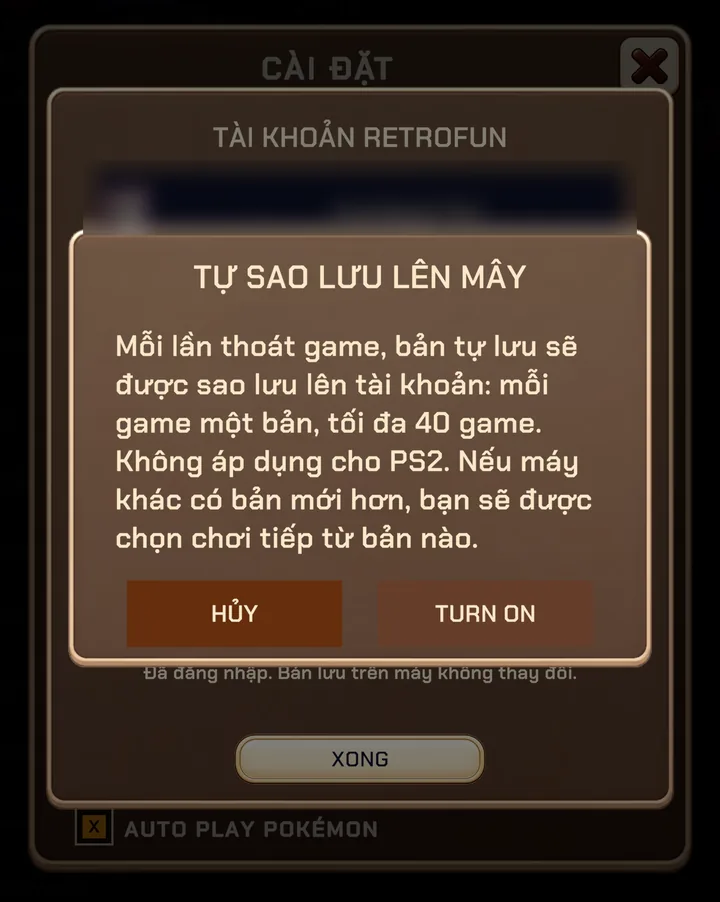
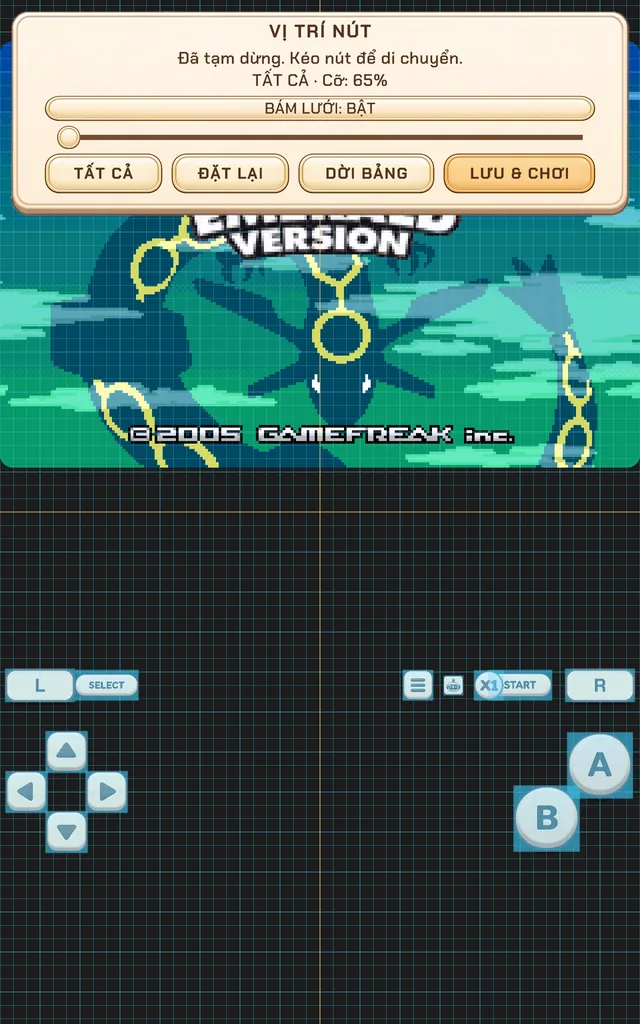
Screenshots were taken on a Xiaomi Pad 5 with the Vietnamese interface; button positions are the same in every language.