At a glance
| System | Highlights | Needs |
|---|---|---|
| NES | Rollback LAN, rewind, CRT look | Any device |
| SNES | Rollback LAN for 2–4 players | Any device |
| GB / GBC | Portrait layout, fast-forward | Any device |
| GBA | Pokémon Auto-Grind, cheats, up to 8× | Any device |
| NDS | Both screens, touch input | Mid-range |
| 3DS | Stick + D-pad, ZL/ZR, landscape layout | High-end |
| PS1 | 2× HD, DualShock, disc swap | Mid-range · BIOS recommended |
| PSP | Stick + D-pad, texture filtering | Mid-range |
| MAME | Arcade romsets, DIP switches, rollback LAN | Any device |
| Neo Geo | DIP switches, rollback LAN | Any device · BIOS needed |
| PS2 | Built in, experimental | High-end · BIOS needed |
Handhelds
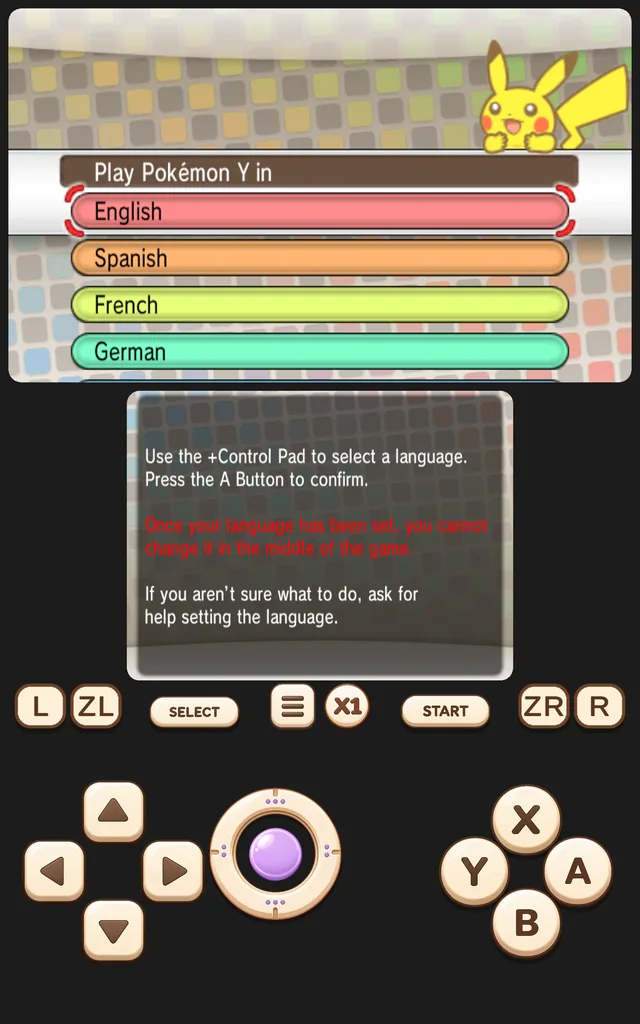
Game Boy, Game Boy Color and GBA games default to portrait with the controls below the screen. NDS and 3DS show both screens; on 3DS the touch screen is the lower one, and landscape puts them side by side.
Disc-era consoles
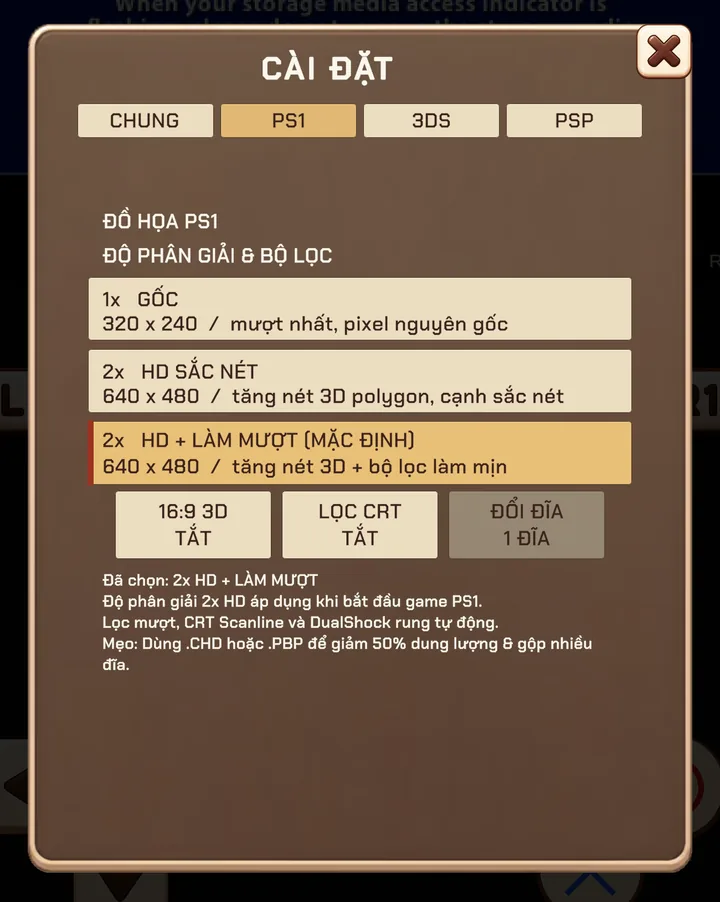
PS1 can render at twice the original resolution with smoothing and dithering removed, so 3D edges look clean on modern screens. Multi-disc games can swap discs from the menu.
PSP runs at a resolution chosen for your device tier and adds texture filtering options. PS2 has its own guide below.
Arcade and Neo Geo
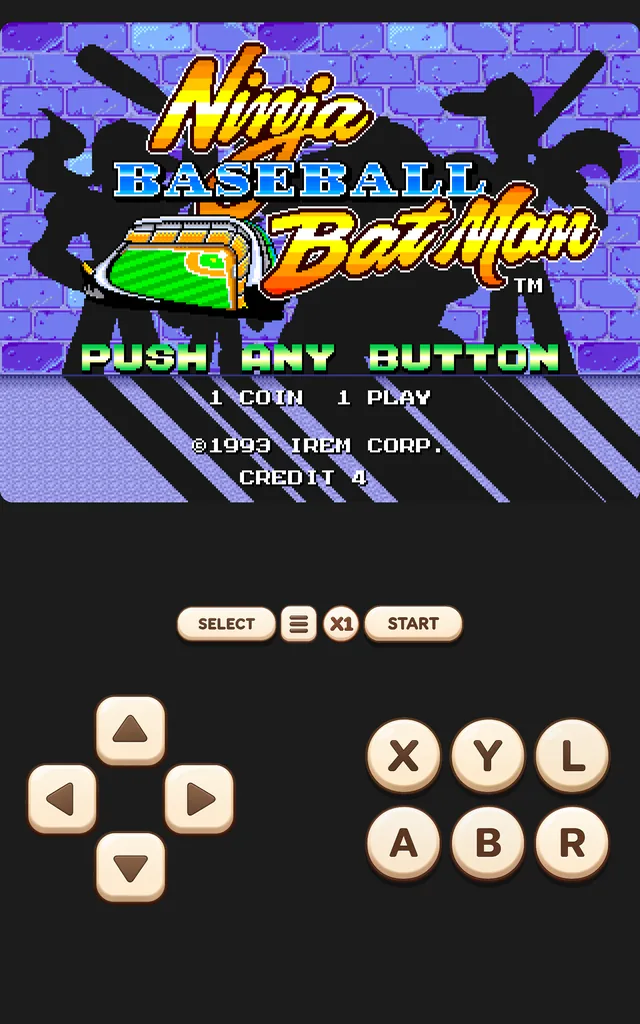
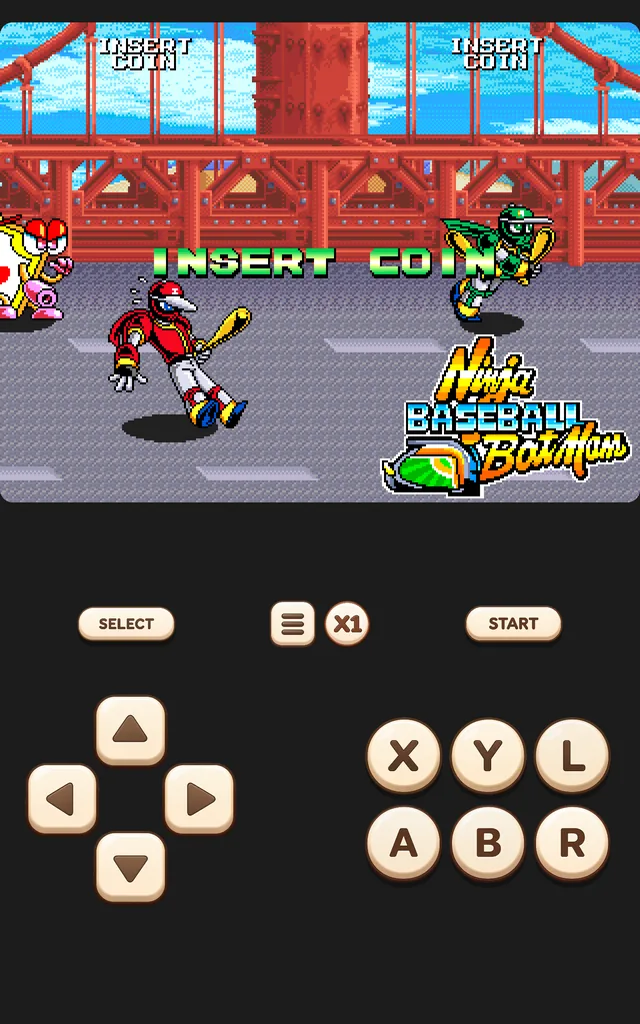
Arcade games use the standard MAME / FBNeo romset ZIPs — keep them zipped. Coin and Start are on screen, DIP switches are in the ARCADE tab, and SNES-style rollback makes them great for LAN play.
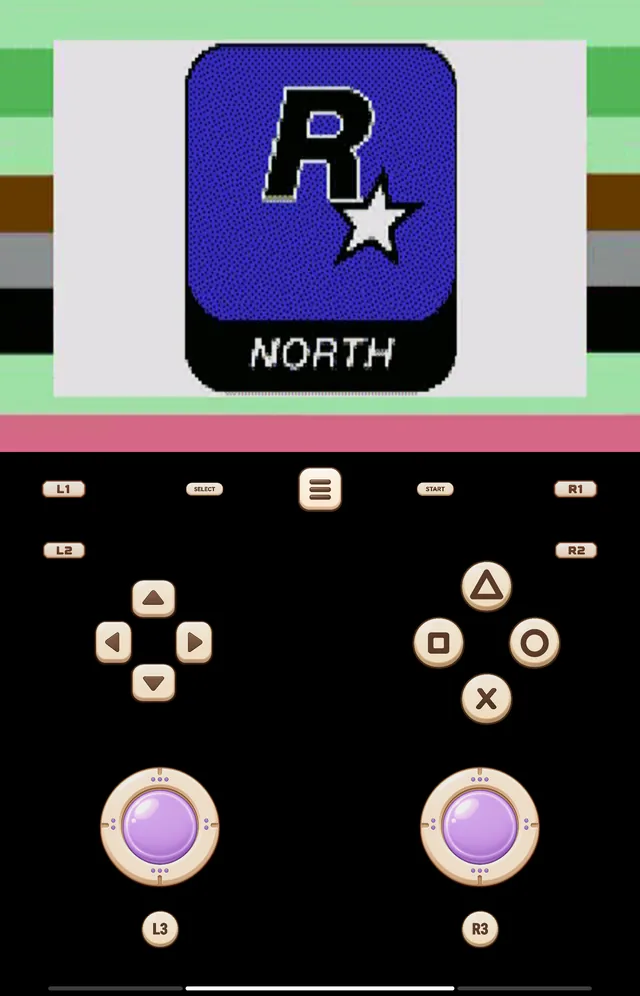
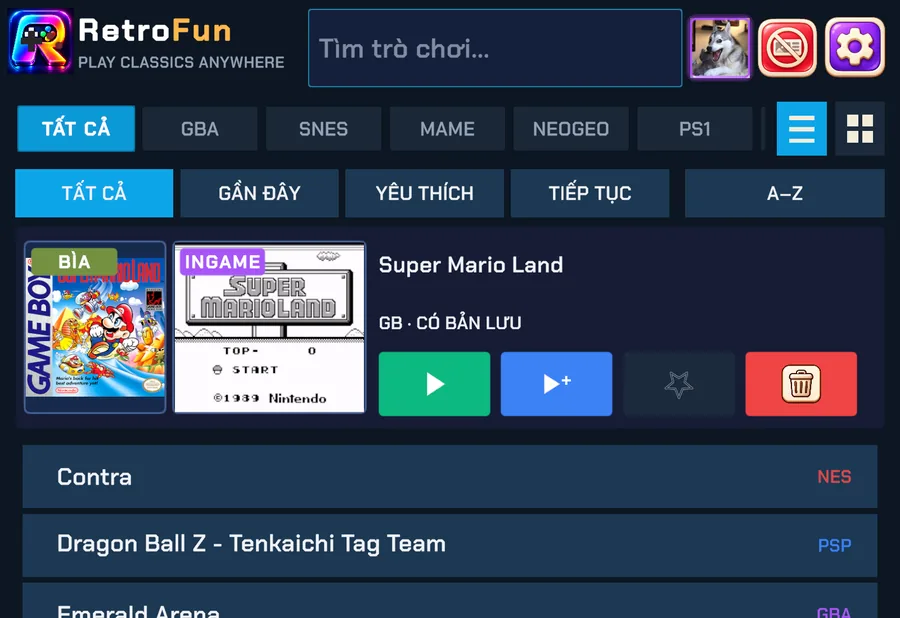
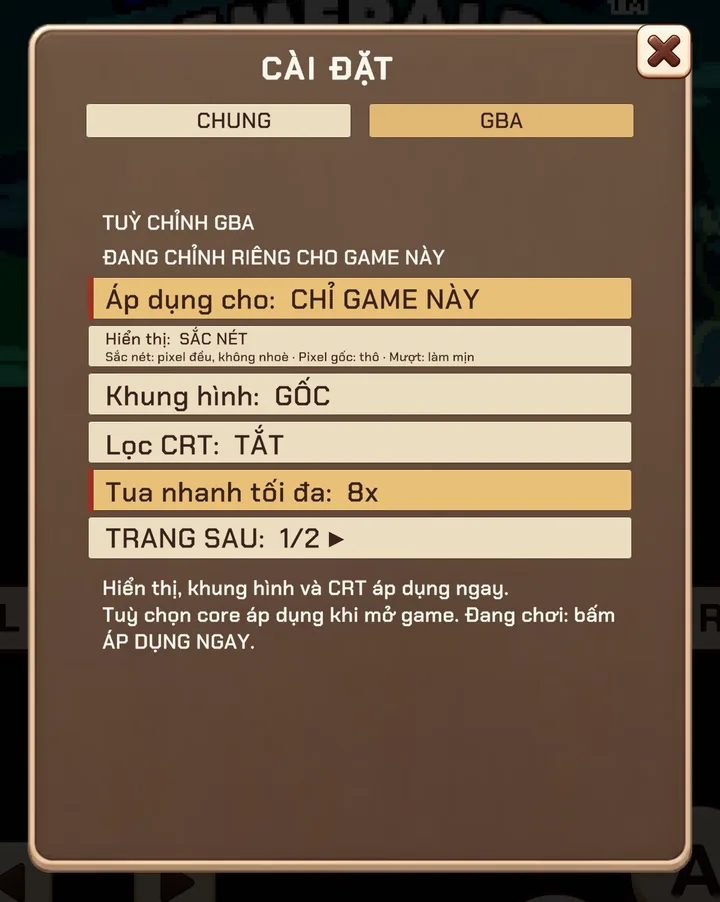
Screenshots were taken on a Xiaomi Pad 5 with the Vietnamese interface; button positions are the same in every language.