What you need
- A high-end device. 6 GB of RAM or more is recommended; on 4 GB devices Android may close other apps while you play.
- Your own PS2 BIOS file — Retrofun doesn't include one.
- Games as .iso files (or ZIP/7Z archives, which Retrofun unpacks on import).
Playing and the pause menu
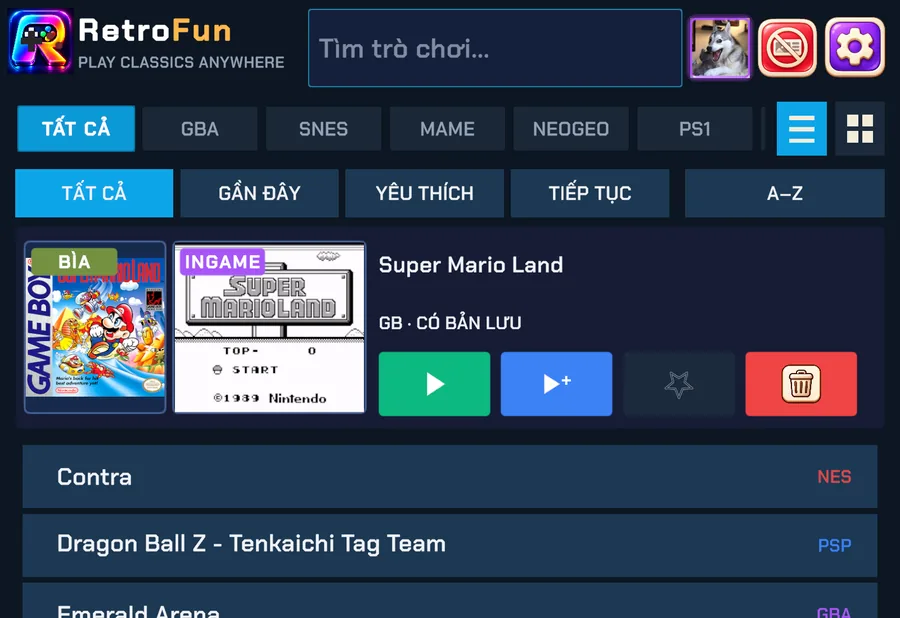
- Tap a PS2 game in the library. The PS2 engine starts inside Retrofun — no separate app.
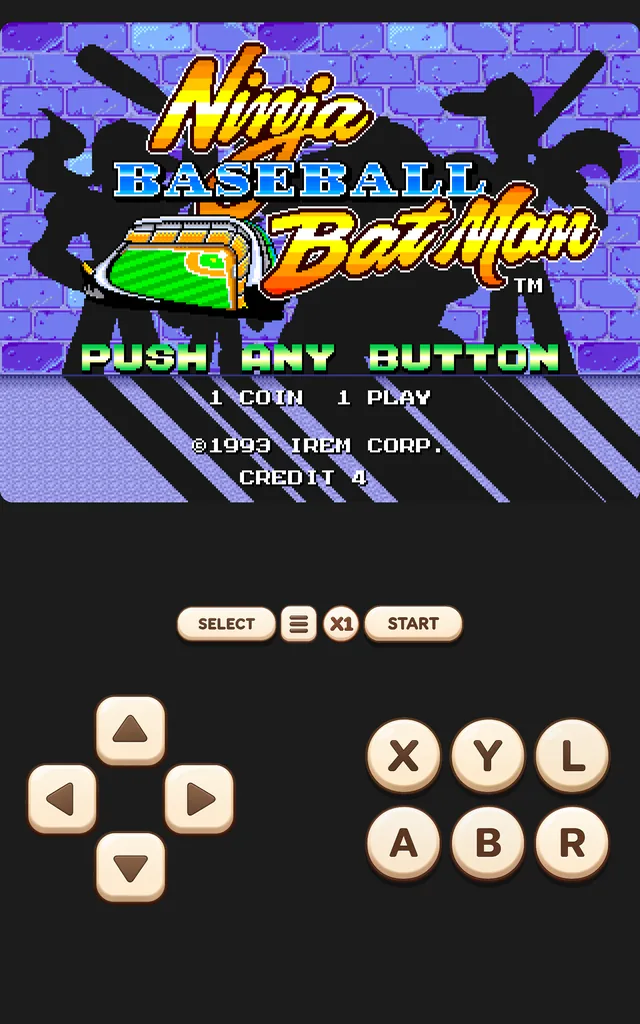
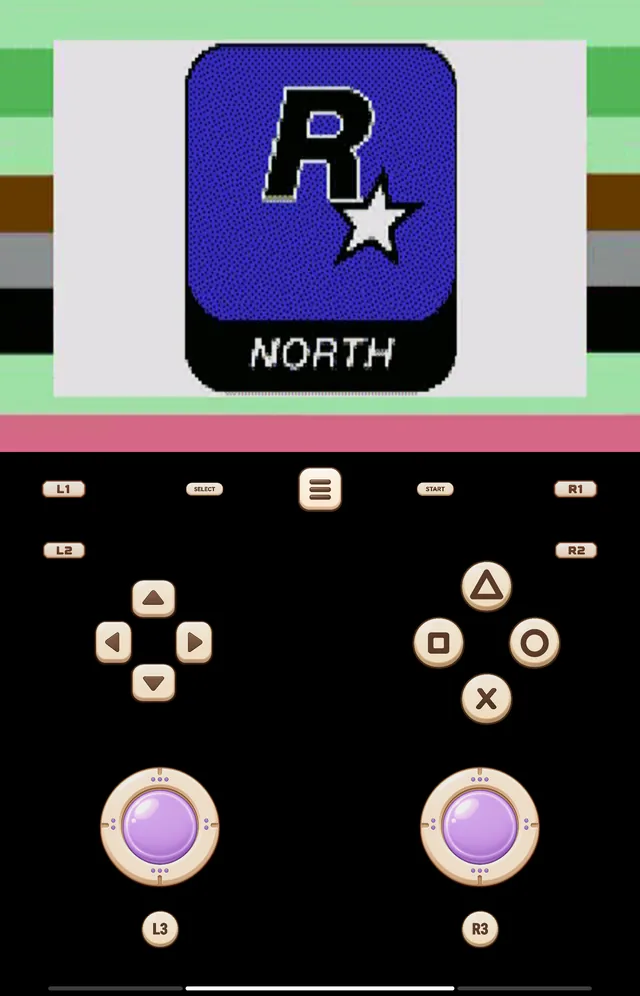
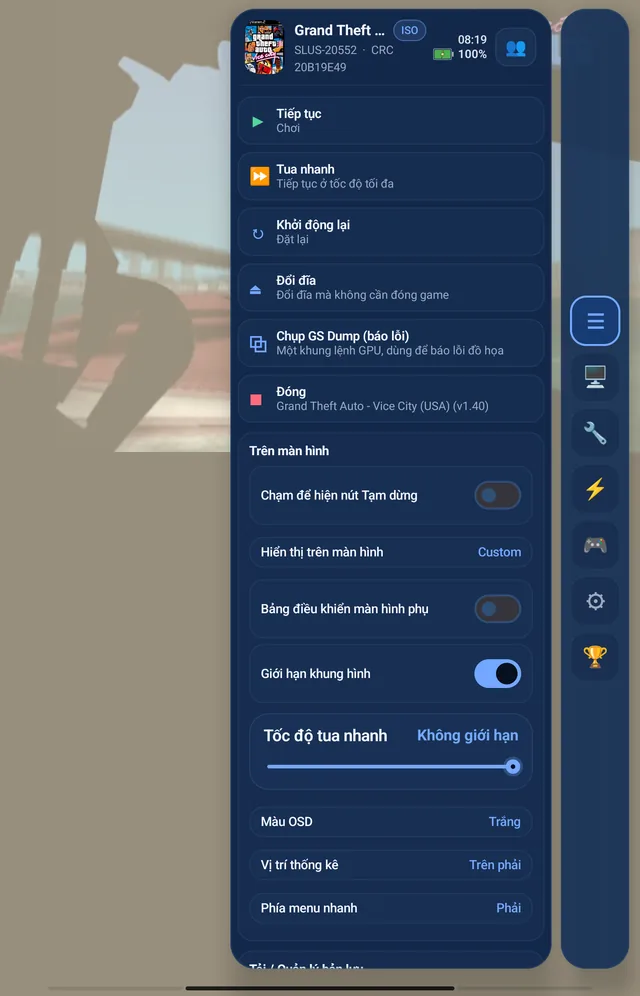
- Tap ☰ between SELECT and START to open the pause menu: resume, fast-forward, restart, change disc, save and load states, and display options.
- Choose CLOSE to return straight to your library.
Performance tips
- Keep the device plugged in or in performance mode for long sessions.
- Close other heavy apps before starting.
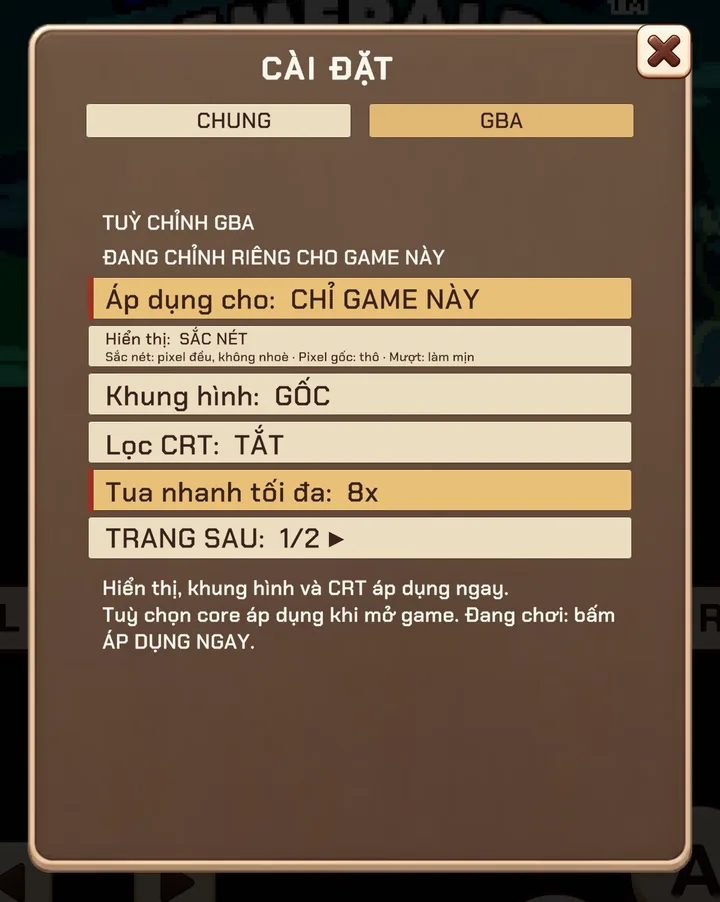
- If a game stutters, try the frame-limit and fast-forward options in the pause menu, and report the game from Settings → Report bug so we can tune it.
PS2 saves stay on the device for now; automatic cloud backup and LAN play are not available for PS2 yet.
Screenshots were taken on a Xiaomi Pad 5 with the Vietnamese interface; button positions are the same in every language.